
The small parts carry the experience
A tablet strap is an unlikely star of a technology demonstration. It has no dashboard, makes no forecast and has never interrupted a meeting to discuss transformation. Yet when someone has to carry a payment device through a busy shift, its design becomes rather important.
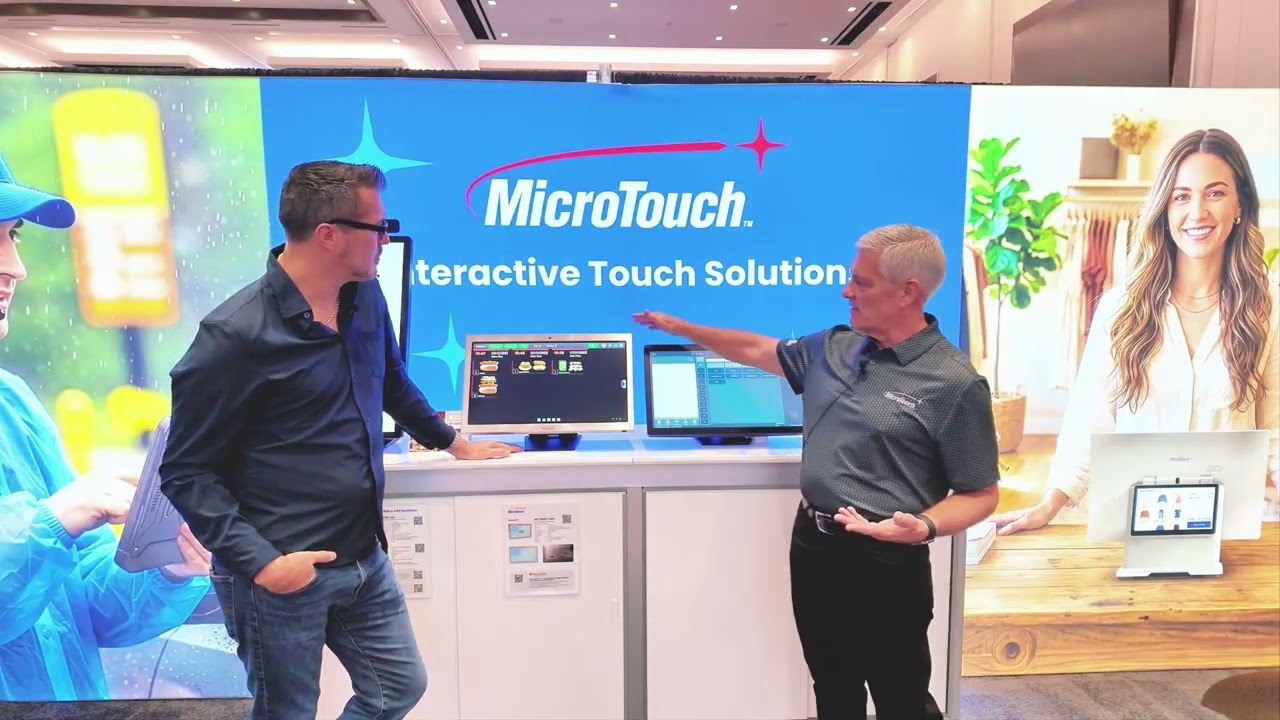
On a MicroTouch booth tour at RSPA RetailNOW, Scott Smith shows Beck a rubberized hand strap developed in response to customer feedback about durability and comfort. Nearby, a charging cradle has gained weight because customers wanted something that would stay put when bumped. These are modest details with a clear connection to the work.
The tour covers point-of-sale terminals, tablets, kitchen displays and kiosks. Its strongest thread is the relationship between a device and its surroundings. Restaurant technology has to be held, cleaned, connected, read and used by people who are usually doing something else at the same time.
That gives buyers a useful starting point. Before comparing a long list of features, describe the shift the equipment must survive. A beautiful device can still be the wrong tool if the employee carrying it cannot keep a comfortable grip.
Follow the payment through the workflow
Smith begins with an Android point-of-sale system that combines an employee-facing screen with a customer-facing display. He demonstrates payment acceptance through built-in NFC, working with compatible software providers. The attraction is a simpler physical arrangement: fewer separate items competing for space at the counter.
The tablet discussion introduces a different requirement. Some operators already use a separate payment device, so the hand strap can accommodate one. The conversation also distinguishes tapping a card from inserting it. An elegant demonstration does not make every existing payment requirement disappear.
For an operator, the practical lesson is to map the complete transaction before choosing the hardware. Consider the payment methods required, existing provider relationships, the employee’s movement and the customer’s position. Compatibility should be confirmed with the relevant providers rather than inferred from the presence of an NFC component.
Smith also describes the balance between display brightness and battery life for mobile use. His figures are product claims made during the demonstration, not results from a ChatGTM endurance test. The broader buying question is straightforward: can staff read the screen where they actually work, for the period they actually need it? Testing a real shift tells more than admiring a device under exhibition lighting.
The kitchen gets a vote
The kitchen displays bring heat, oil, salt and spills into the discussion. Smith explains design choices intended to keep contaminants out and direct liquids away from connection points. He identifies the protected surface when discussing its ingress rating, an important distinction from declaring every part of a device waterproof.
Optical bonding is another detail he connects to the working environment. He describes bonding the touchscreen to the display to improve clarity and strength while removing the gap where dust can become visible. Beck’s observation about restaurant dust supplies the obvious context: equipment is going into a kitchen, not a museum case.
The lesson is to examine failure points, not merely the screen size. Where do cables enter? How is the device mounted? What cleaning routine is appropriate? Which surfaces are protected? These are questions for the vendor’s documentation and an actual installation plan. A booth tour introduces the issues; it does not replace those checks.
Smith also shows devices in the same product family serving different positions, including front-of-house and kitchen applications. Shared platforms may simplify deployment, but operators should still validate their own software and peripherals. Similar-looking equipment is not a substitute for confirming the exact configuration being purchased.
A touchscreen should not be the only way in
Near the end of the tour, Smith shows a kiosk with an additional interaction device from Storm. The discussion considers users who cannot comfortably use the touchscreen. Beck responds to the significance of making the experience accessible to people whose needs differ from those assumed by the default design.
The demonstration should not be treated as certification that every possible installation meets every accessibility requirement. Its useful contribution is the question it raises early in the buying process: who might be unable to complete the task, and what alternative interaction does the design provide?
That belongs beside the other operating questions, not at the end after the hardware has been ordered. A customer needs to understand the choices, interact with the system and get help when needed. The surrounding software, physical placement and service process matter alongside the device itself.
The tour finishes with a broader picture of product quality. It includes a stable cradle, a usable strap, protected connections and another way to interact. None is the sort of feature that normally gets a theatrical launch. Together, they help determine whether technology feels helpful during the ordinary, demanding hours when a restaurant earns its living.

